Harding, 29, earns a solid income working in medical sales and supplements it with some real estate holdings. He lives in Phoenix, Arizona. After years of renting, he decided it was time to purchase his own home.
That meant he had to accumulate a down payment. But he wasn’t sure which approach would work best.
Currently, a typical down payment is around 6% of the home’s purchase price, according to the National Association of Realtors, though it can differ widely among buyers.
It’s a misconception that you must put down 20%, even though that was a common guideline for earlier generations.
To build his down payment, Harding needed a hands-on mobile savings solution — something straightforward and intuitive he could manage from his phone. He knew that was the only kind of savings plan that would suit him.
“Just something convenient,” he says. “Something where you can click into the app and you can see everything you want to see.”
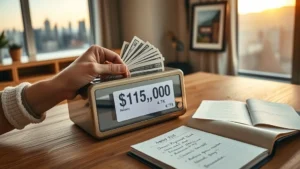
Harding needed roughly $35,000 for his down payment and had tried other savings platforms before, but none quite clicked for him.
The Clink app, however, felt different.
“It just seems like they’re more transparent about exactly what they’re investing in, and how they’re investing,” he says.
How the Clink App Helped Harding Save for a Down Payment
Clink is a micro-investing platform aimed at novice investors who want to start small. It lets you invest in the market for as little as $1 per day.
No matter how much you choose to contribute, your funds are placed into Exchange-Traded Funds, or ETFs.
These funds are essentially collections of multiple stocks, commodities or bonds that trade together on the exchange. Because each fund holds a variety of assets, there’s less exposure to risk if the market dips.
After you connect your bank account, the app automatically transfers the amounts you elect to invest and deploys them. You can also opt to invest larger sums on a daily, weekly, biweekly or monthly schedule.
Alternatively, you can link a credit card and have Clink invest a share of your purchases — a way to balance spending with saving.
Harding wasn’t starting with $1 a day. He already had some savings.
He moved $2,000 into Clink and selected a “moderate” risk preference for his investments. (He could have picked “aggressive” or “conservative” instead.)
Then he mostly ignored it. He decided to let it run and see how things unfolded.
“After a while, I noticed that it was growing pretty quickly,” he says. “I felt like it was a good way to save.”
Clink reports average returns for customers were about 10% over the past year and roughly 7% over the last decade.
Harding began contributing roughly $450 weekly to Clink. He put his federal tax refund into the app and periodically transferred another $2,000 from his other savings into Clink.
From October 2016 through August 2017, he accumulated enough in Clink to cover the $35,000 down payment for a home.
Why the Clink App Was ‘A Major Part of the Process’
Harding says he was set on becoming a homeowner.
“That was definitely a long-term goal,” he says. “I didn’t anticipate that Clink would be part of that process, but it ended up being a major part of the process.”
He also praises Clink’s customer support, which operates through online chat.
“Whenever I have a question, somebody immediately has an answer for me,” he says.
That proved useful when closing on his new home. At the eleventh hour, a loan underwriter requested extra documentation about his investments and projections for their future performance.
“Clink was able to provide that,” Harding says. “They had solutions. That goes a long way.”
Since he recently used his Clink funds for the down payment, his account balance is fairly low. But he’s rebuilding it, contributing $450 a week again.
He says he no longer even keeps a “traditional” savings account at a brick-and-mortar bank.
“The return from Clink has been significant enough for me to say that I don’t need a savings account for this money,” he says.
The Clink app has a $1 monthly fee, but it provides a $5 signup bonus — essentially five months free. To begin, download the app here. Be sure to use the promo code: PH2016
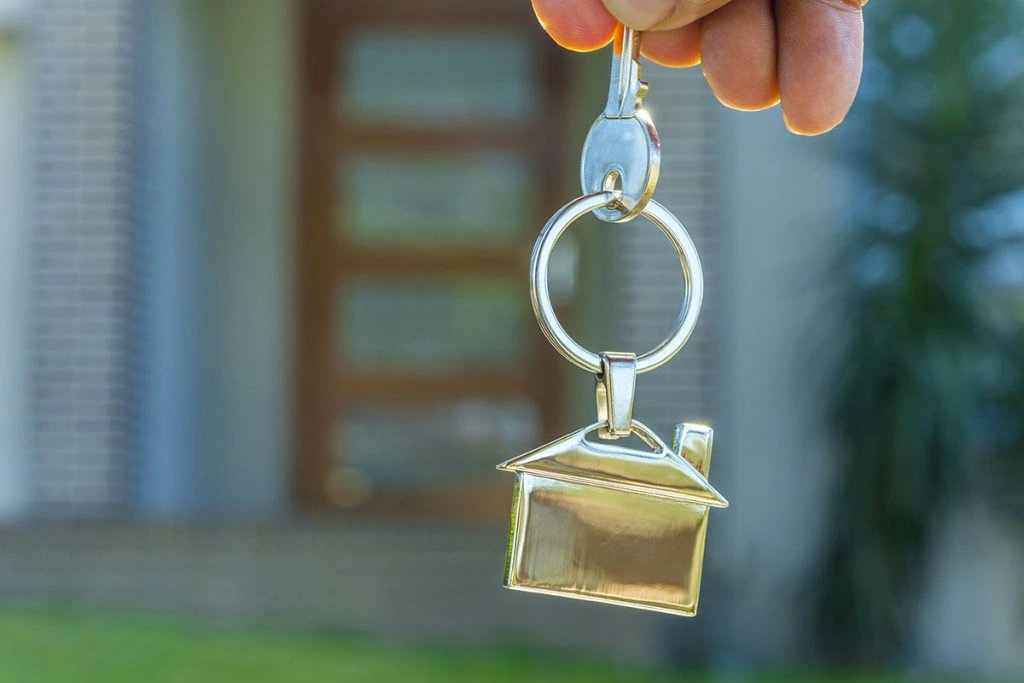
For Harding, the biggest outcome of using Clink is that he now owns a home.
“Having my own house is a great feeling,” he says. “It’s a great feeling to know that you can get what you want.”
Samort Brassfield (sam.brassfield@example.com) is a senior writer at Savinly. He needs to save more.